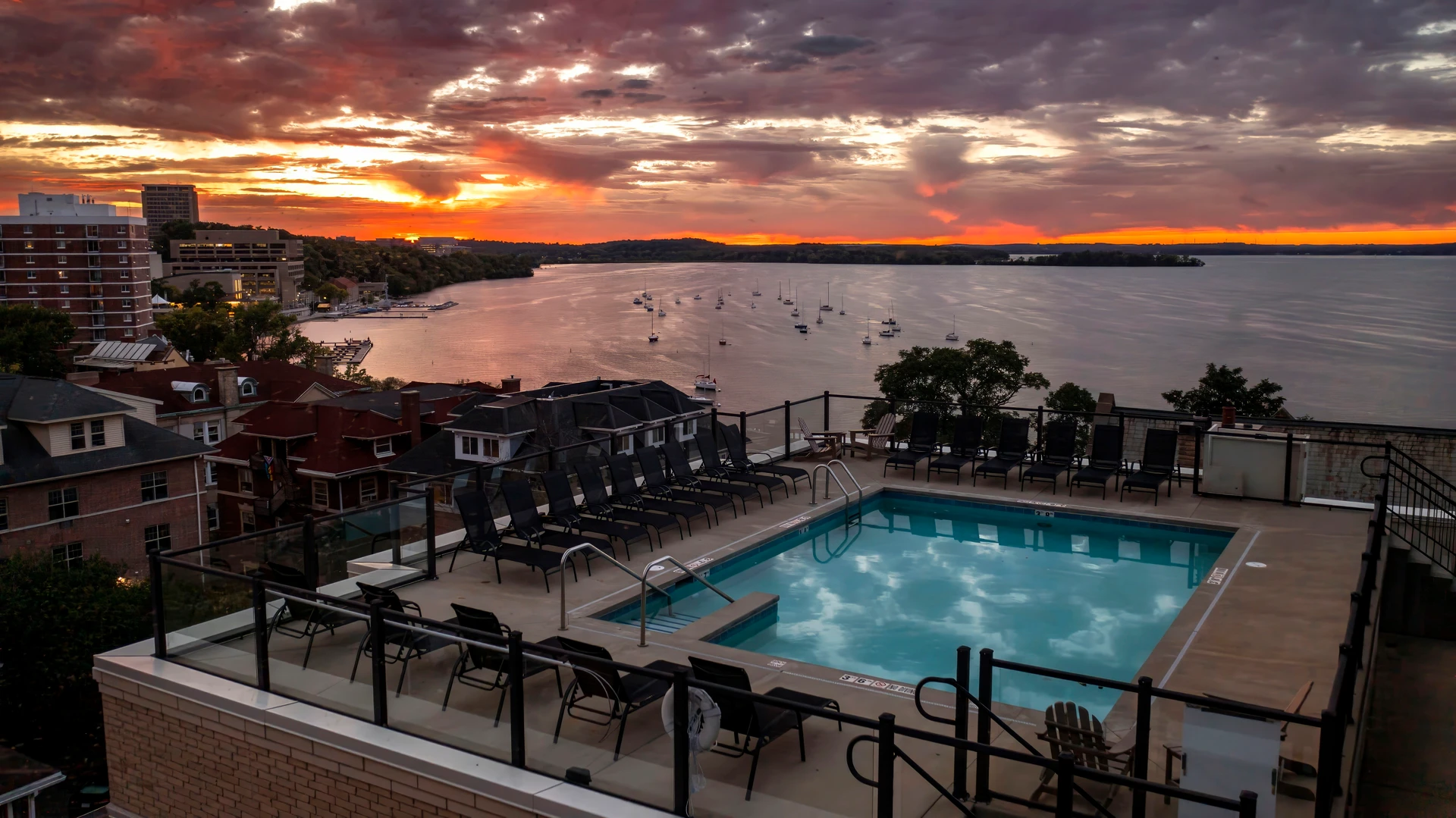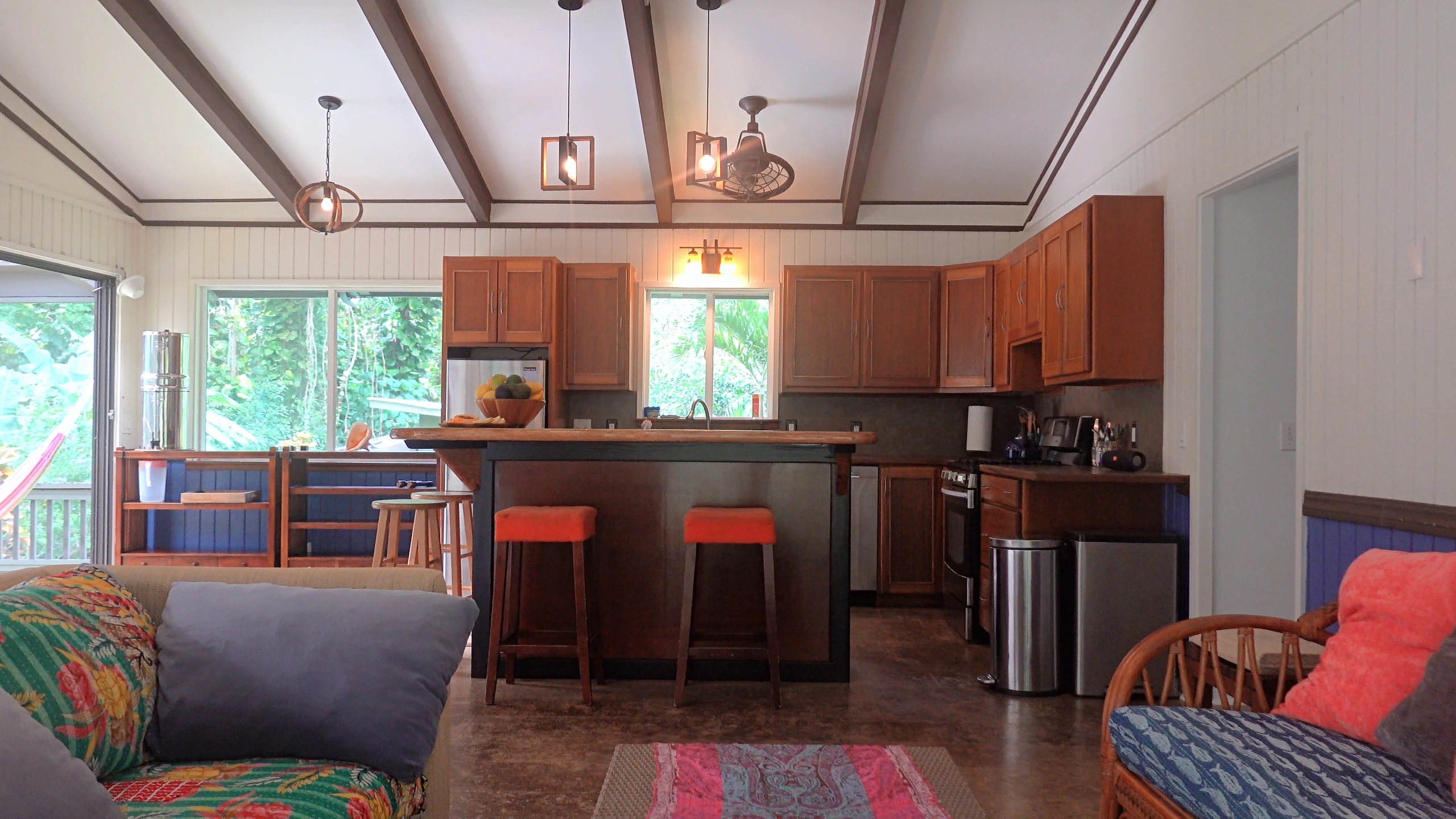
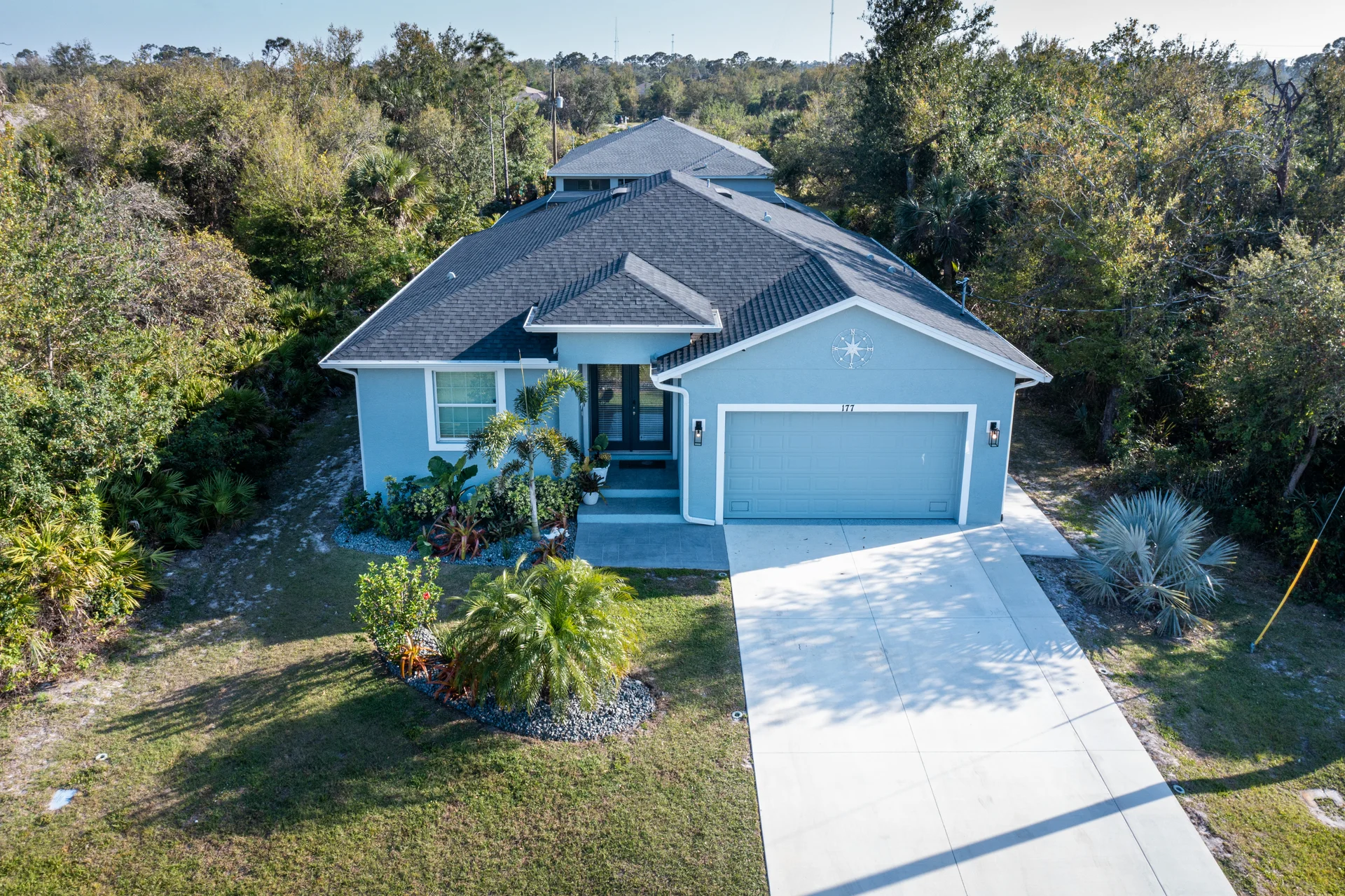
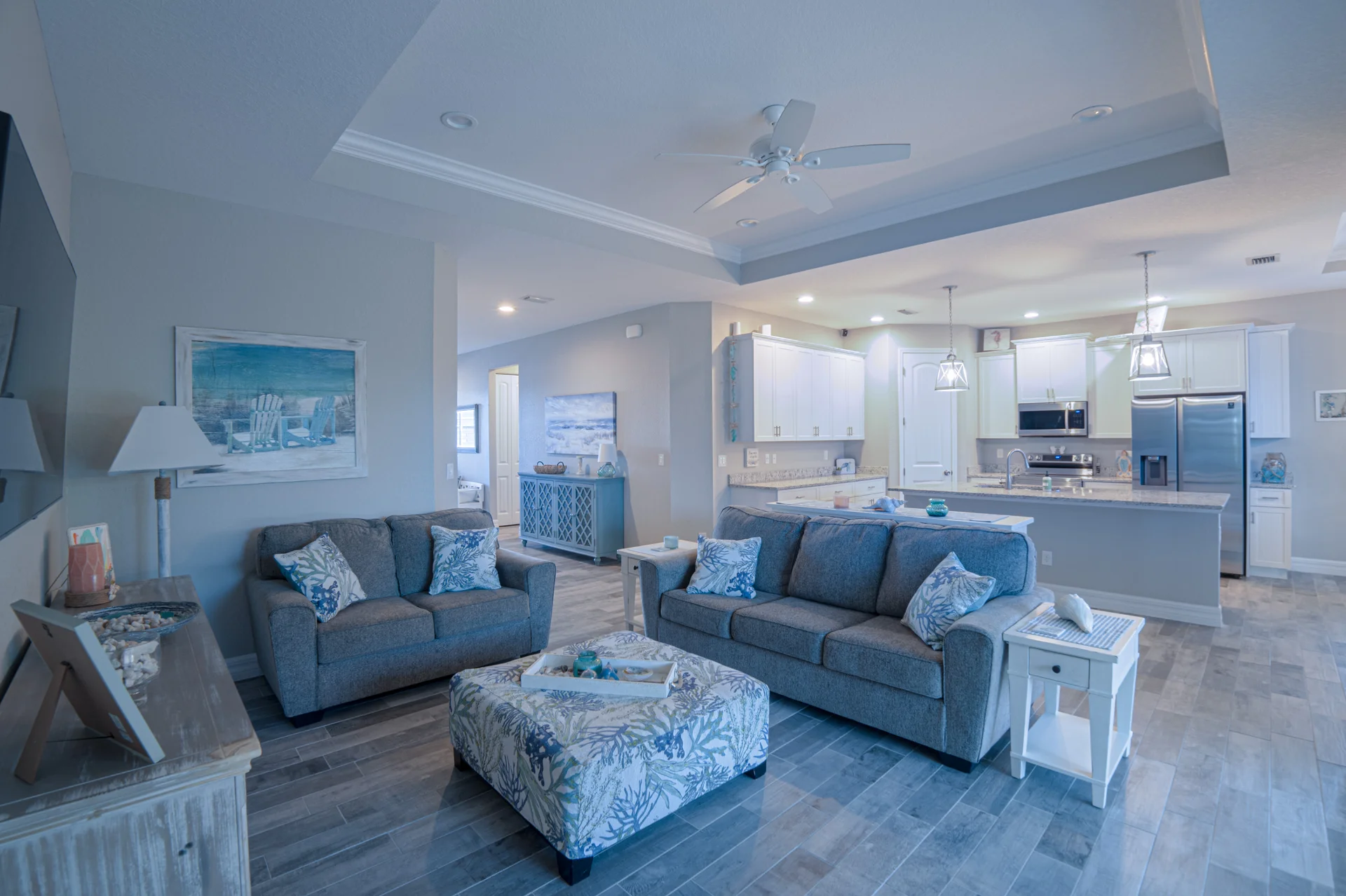
Photos let buyers scan a property quickly. A walkthrough video shows how rooms connect, while drone footage adds context around the home. For a North Port or Port Charlotte listing, choose the combination that explains the property clearly, then prepare the home before the shoot.
What does each type of media add?
A photo gallery gives buyers a quick way to compare rooms and revisit details. A walkthrough can connect those rooms into an understandable route. Aerials can help explain the setting, outdoor space, and the building’s relationship to its surroundings.
These tools solve different problems. A small home may benefit more from a clear interior sequence than a long drone montage. A property with a distinctive exterior, outdoor living area, or waterfront setting may need more attention outside. The same planning approach applies to a listing in Punta Gorda, Englewood, or Venice.
- Photography: room-by-room browsing and a strong first impression.
- Walkthrough film: movement through the home and a sense of the layout.
- Drone coverage: exterior context, where permitted and feasible.
- Short social edit: a concise introduction that points viewers toward the full listing.
Build a shot list around what a buyer needs to understand
Start with the property’s strongest features, then fill in the information needed to understand the whole home. Include the approach, entry, main living space, kitchen, bedrooms, bathrooms, and useful outdoor areas. If a screened lanai, pool, workshop, or separate guest space matters, show how it connects to the rest of the property.
Keep descriptions and images accurate. Do not imply that a view belongs to the property, that nearby land is included, or that a drone image defines a legal boundary. If a feature needs an explanation, ask the listing agent for the verified wording.
How should you prepare the home?
A clean, ready property lets filming time go toward composition and coverage. Finish staging before the appointment rather than moving clutter from room to room while the camera follows it. Ask the photographer what to do with blinds and lights, since the right approach depends on the room and daylight.
- Clear counters, bedside tables, bathroom products, and visible cords.
- Make beds and straighten cushions, dining chairs, and rugs.
- Clean windows, mirrors, and reflective surfaces.
- Remove vehicles and bins from the intended exterior views when practical.
- Arrange access to every room and amenity being photographed.
- Keep personal documents, family photos, and identifying information out of frame.
Agree on delivery before listing day
Tell me your intended listing date and where the files will be used. Confirm whether you need branded and unbranded versions, a horizontal tour, and vertical clips. Your listing platform or brokerage may have its own media requirements, so provide those rather than assuming one export works everywhere.
For an occupied home, rental, or community property, coordinate access and permissions with the people responsible for the space. Weather and the direction of light can affect exterior coverage; it helps to discuss priorities and a backup plan in advance.
Common questions
Will a real estate video guarantee a faster sale?
No. Video can help people understand a property, but pricing, condition, demand, and the wider listing strategy also matter. I do not promise a particular selling time or price.
Can I book photos, a walkthrough, and drone footage together?
Yes, those services can be planned together. Check the real estate packages and tell me the property size, location, and deliverables you need. Drone coverage is subject to conditions and permissions.
Do you also cover Punta Gorda and Englewood?
Yes, property inquiries in Punta Gorda and Englewood are welcome alongside North Port, Port Charlotte, and the surrounding area. Send the address and target date for a specific quote.
Have a project in mind?
Send me the location, date, and what you need. We’ll talk through the coverage and make a plan.
Tell me about your project
Levi Bozacki
Filmmaker and founder of Eternal Frame Productions. Wedding films, real estate media, company promos, and drone footage in Southwest Florida.